For targeted advertising measures, the practical serial letter assistant is available to you. You can send promotional letters quickly and easily with its assistance by post or E-Mail. First consider whom the letter is to reach. Select the corresponding contacts with the help of the filter and the search function from your database, and assign a contact file to them. For practice purposes, the contact file “Test files for serial letter” was already created. Next you will write your promotional letter in the text template administration. Create the letter under the column “Document templates”. Create an invitation for an Open House at your company, for example.
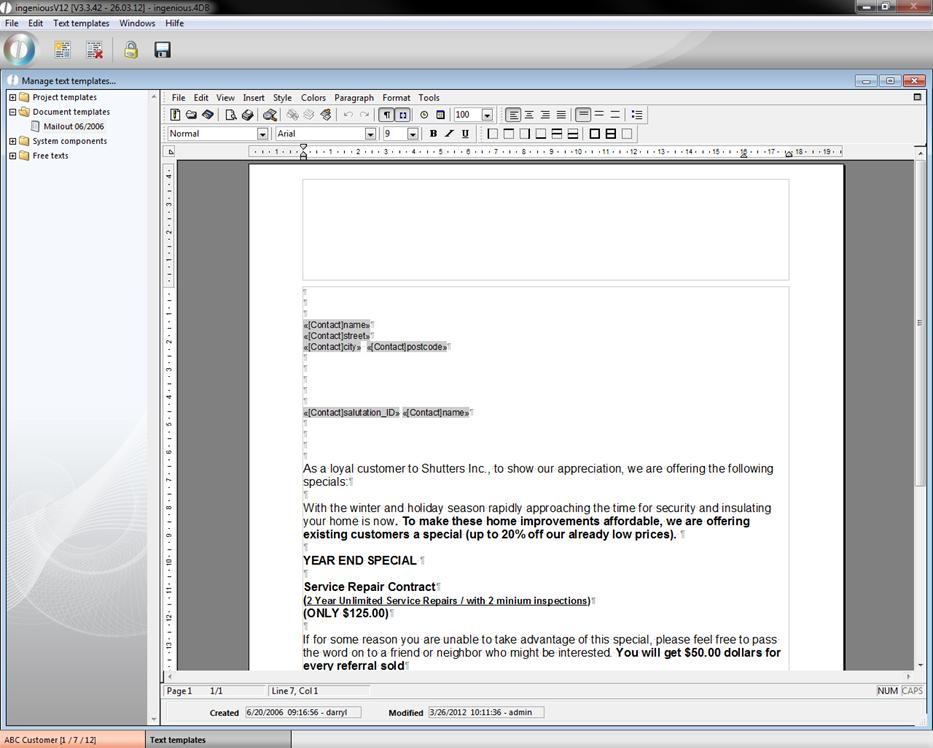
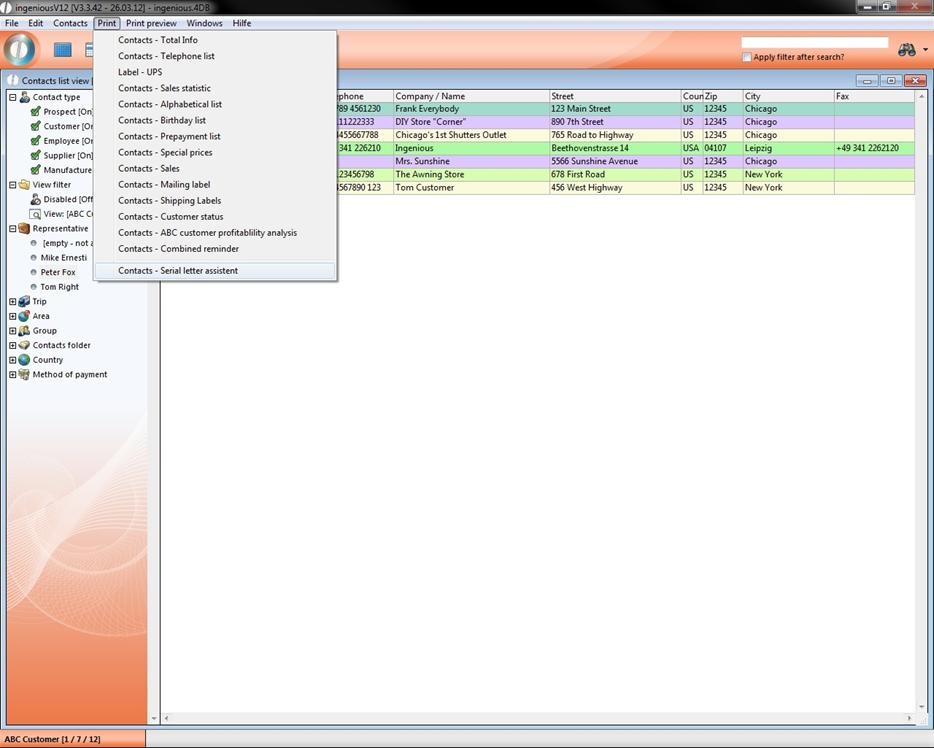
Complete the text revisions and save the document. Change to the “Contacts” module. In the menu, “Print”, you will find the serial letter assistant at the bottom. Open it by clicking on it.
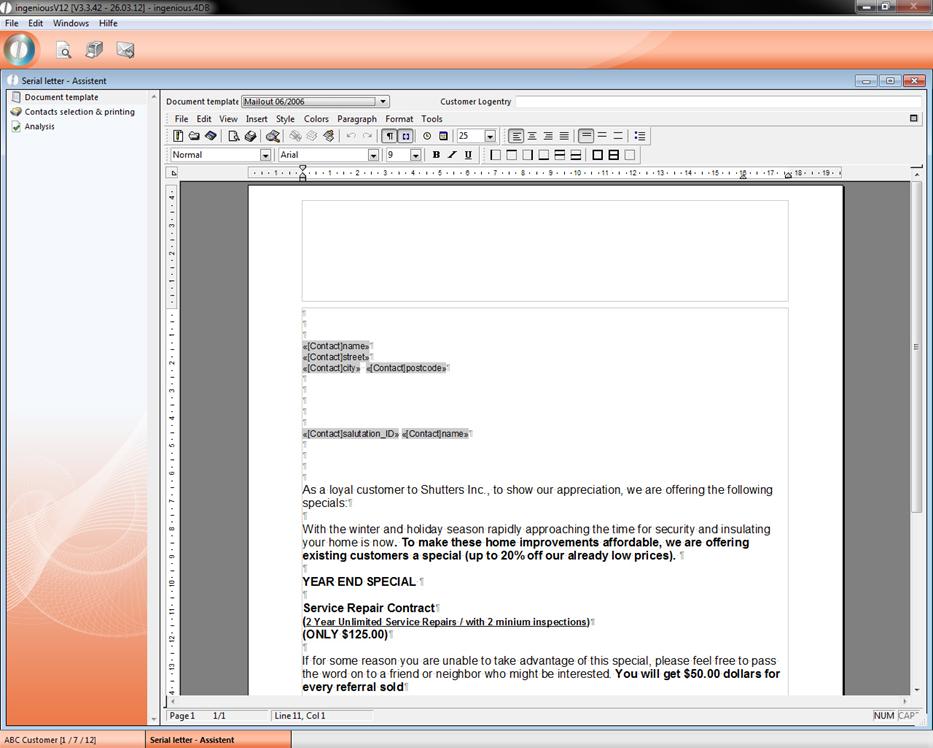
First select the document template that you created for your serial letter.
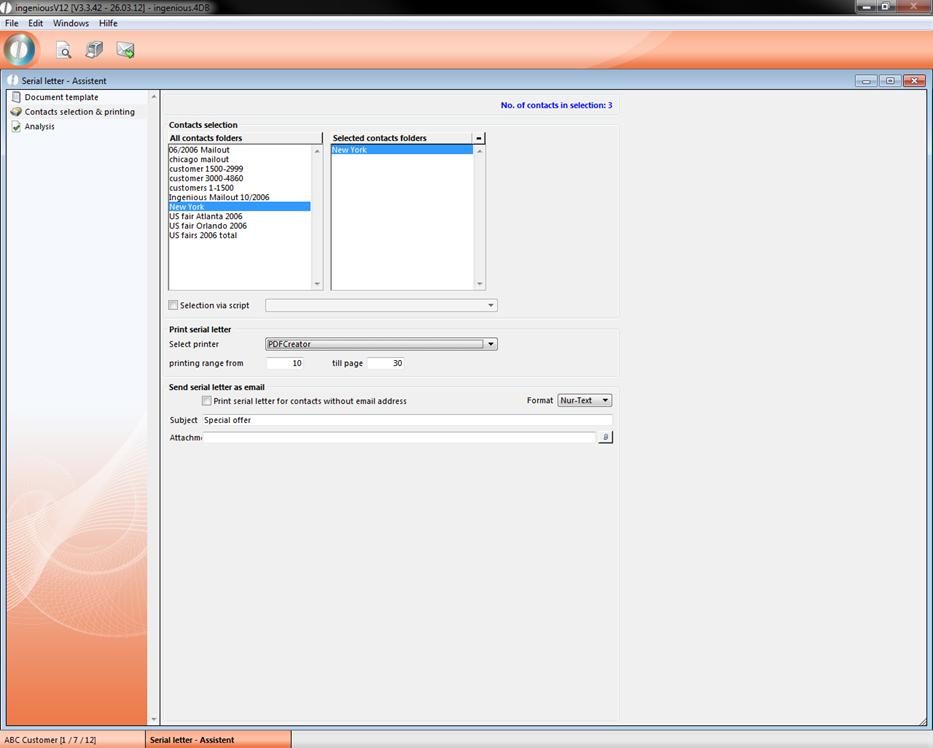
Next click on “Contact Selection & Printing” and drag the desired contact file with the Drag & Drop function to the right field. For serial letter printing, you can specify to which printer the documents should be sent.
Click on the print icon  and confirm the window displayed with “OK”.
If you would like to send the announcement via email to your contacts, enter a reference in the area below and specify in which format the email should be sent. Additionally, you can attach another document to your email such as a map, for example. To do this, click on the  icon and select the respective file.
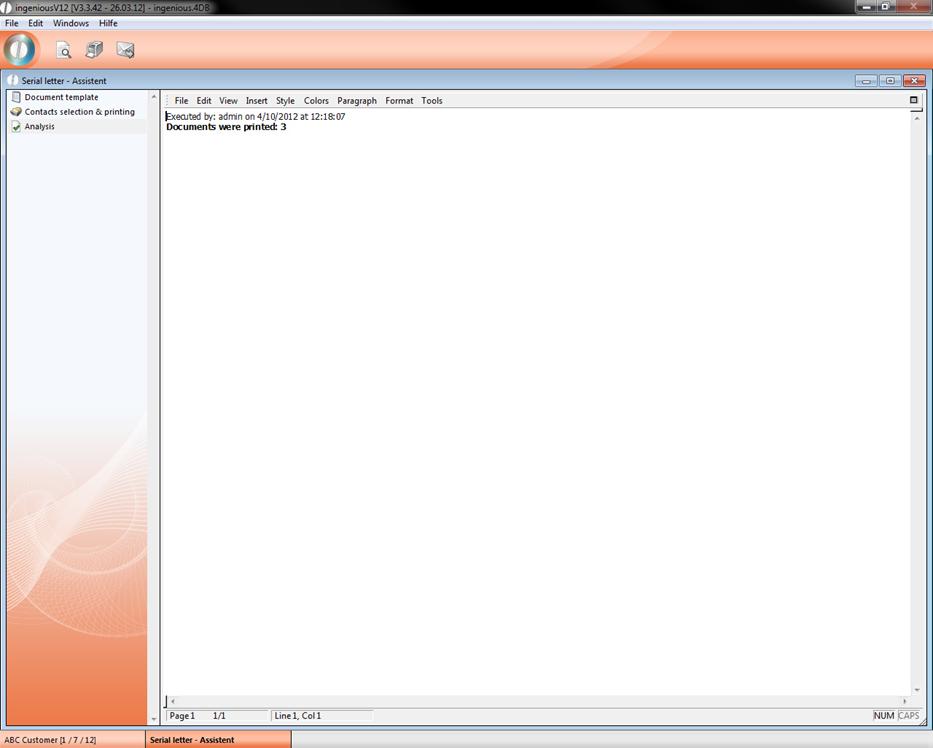
Then click on the  button to start the email dispatch. In the following dialog window, confirm again that you would like to send the emails. In the event that there is not an email attached to every contact, you can specify that a letter should be printed for these contacts. After printing or mailing your letter, you will receive a report under the column “Summary” regarding the printing or mailing success.